UNO gameplay / Windows PC

Every table
has a surprise.

Discover UNO gameplay on Windows PC. Match colors and numbers, play action cards at just the right moment, and call UNO! when only one card remains.

Windows PCLocal & online multiplayerDownload available
Scroll
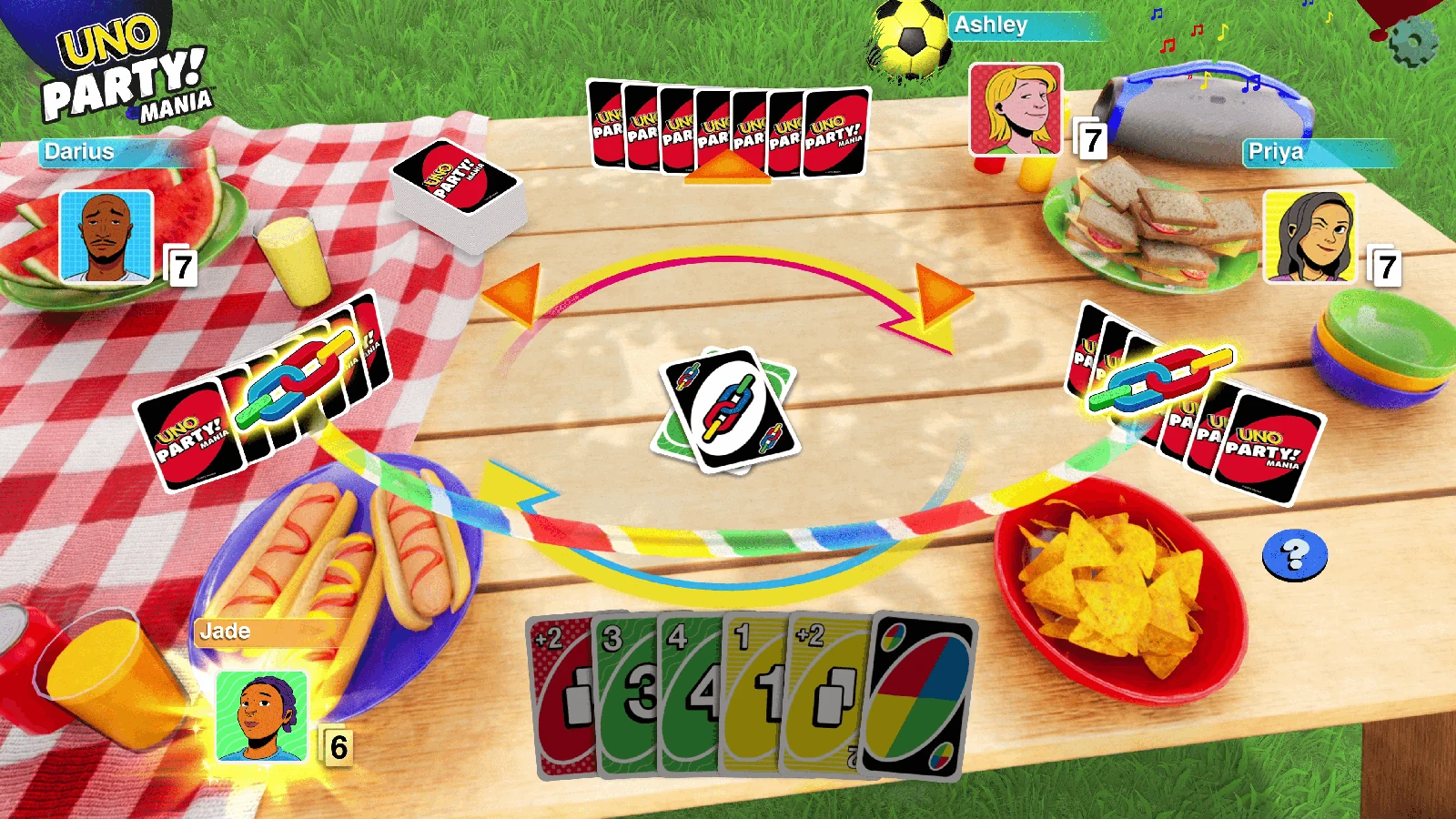
Party Mania development preview ● Build a table with your own house rules ● Play online with friends ● UNO Flip dark deck ● 2v2 multiplayer competitive mode ●
Latest updates

From the table.

Discover new modes, house rules, guides and the latest updates from the competitive world of UNO.

6 stories
Party Mania UNO gameplay01↗

Party Mania brings a whole new level of chaos to the table

Learn more →
Wild Draw Together UNO gameplay02↗

Wild Draw Together keeps everyone in the game

Learn more →
UNO multiplayer match04↗

Build your 2v2 team and take control of the table

Learn more →
UNO cards in a match05↗

Match your card, choose your action and call UNO

Learn more →
Game trailer

UNO gameplay on PC.

Play UNO on Windows PC with house rules, themed decks, online matches and customizable tables.

▶
UNO / GameplayAutoplay on · Loop on
Play your way

Your house rules.

Every match is shaped by your choices. Keep it classic or combine special rules that completely transform the table.

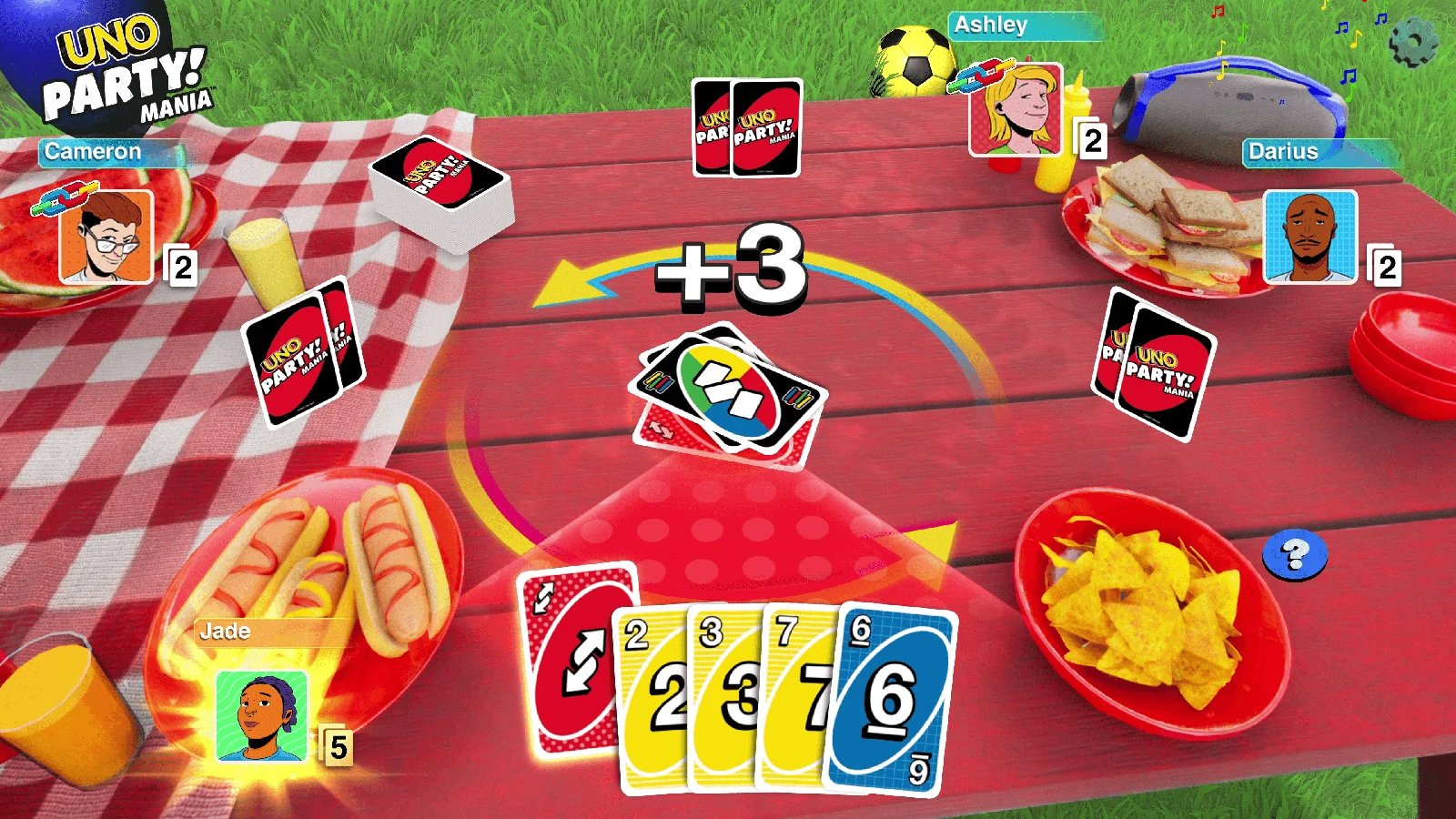
UNO Party Mania gameplay
PARTY MANIADouble the chaos
UNO Wild Draw Together gameplay
WILD DRAWDraw together
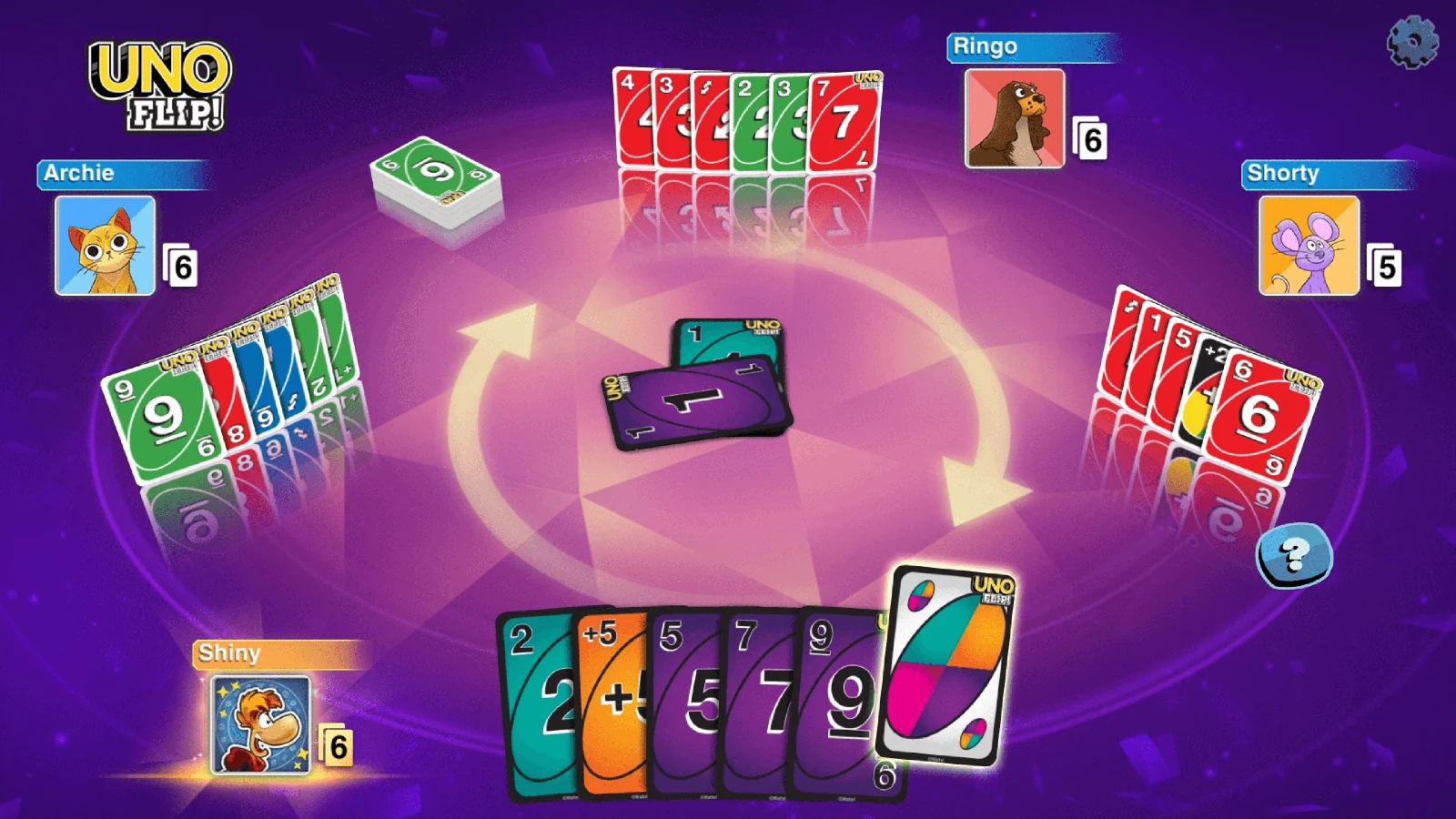
UNO Flip gameplay
UNO FLIP!Flip the deck
012–4

Players

Take a seat locally or join friends online.

022v2

Teams

Control the colors and win together with your partner.

037–0

House rule

Swap hands, rotate the deck and ruin every plan.

0412

Challenges

Complete match objectives and prove your UNO mastery.

One card left

Do not forget
to call “UNO!”

Play your final card before your opponents catch you. Change the color, reverse direction and take control of the table.

View PC status →
PC edition & support

Windows PC available now

Review the target system profile, then download the current Windows release.

Operating systemWindows 10 (64-bit)
ProcessorIntel Core i3 or equivalent
GraphicsDirectX 11 compatible
Memory4 GB RAM
Storage3 GB available space
Release statusAvailable now
Windows release: available now
Download for Windows ↓
Site integrity / 01

Direct.
Transparent.
Accountable.

The Windows edition is available through the direct release link. No account, password or payment is required.

Download setup ↓
01   DIRECT RELEASEThe Windows edition is available from the release link.
02   WINDOWS DOWNLOADDownload the current Windows executable directly.
03   CLEAR STATUSThe Windows PC edition is available now.
04   NO ACCOUNT REQUIREDNo registration, password or payment data.
Player support / 02

Quick answers.

Clear release information without redirects, hidden accounts or unnecessary forms.

Yes. The Windows PC edition is currently available for download.
No account, password or payment details are required to access the release information.
Use the Download for Windows link above to open the direct release page.
This project page keeps its information simple and transparent. Your browser may still use essential local storage for site preferences.
A Windows setup file is available from the direct release link.